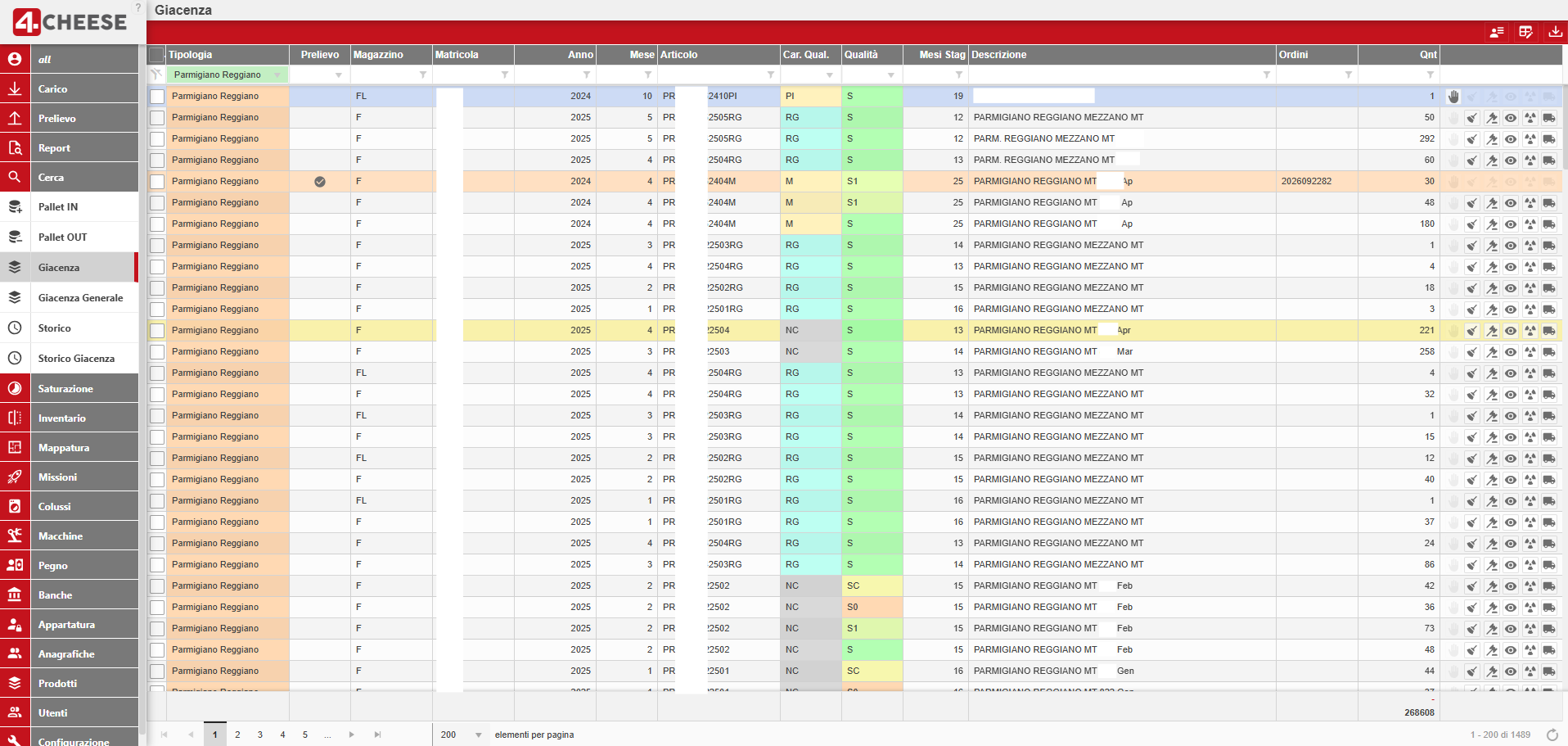
Starting in 2017, together with our key partner 4NextSolutions, we developed a warehouse management system (WMS) software that we use to manage all operations related to the aging of cheese wheels. It ensures full traceability throughout the entire life cycle of the cheese, from the arrival of the milk to the processing of the aged product.
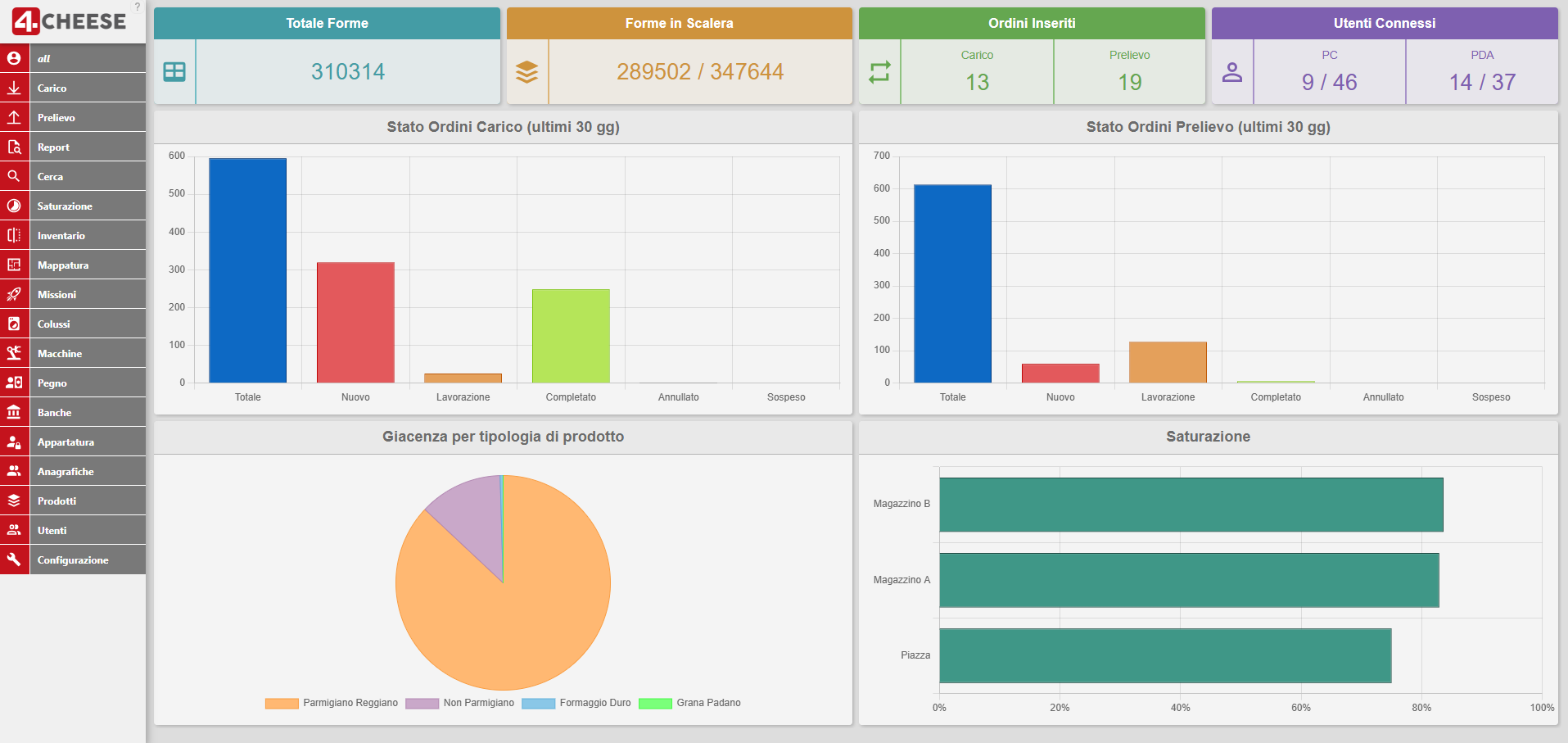
Access to 4Cheese is available via the Chrome browser from any PC connected to the warehouse network. As it is connected to all Autodop machines, it manages the data flow for all warehouse operations, changes in cheese quality, machine alarms, and the temperature and humidity parameters of the storage areas, and transmits this information to the company’s ERP system.
The WMS allows you to create goods receipt orders from suppliers and manufacturers. Once the process is complete, the WMS calculates the quantity of cheese wheels in stock, and the order is ready for the next steps.
The picking rules applied by the WMS are decided by the user. It is the user who specifies which shelf to pick the goods from.
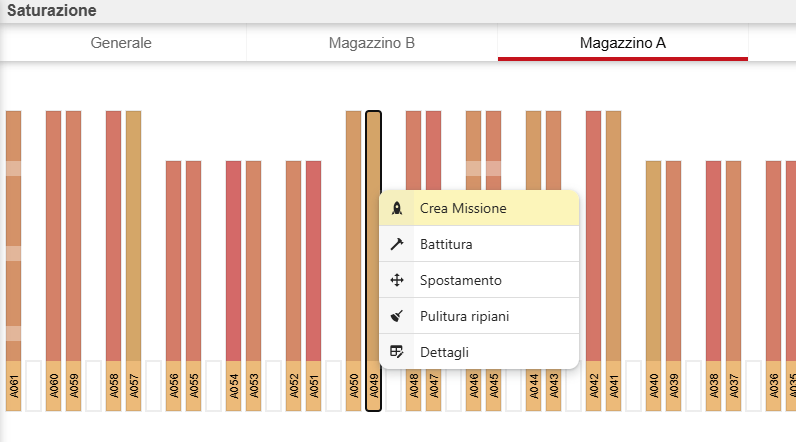
The WMS generates turning and brushing tasks for the cheese wheels stored on the shelves.
A report showing completed brushing/turning tasks, with the date and time of completion listed for each aisle.
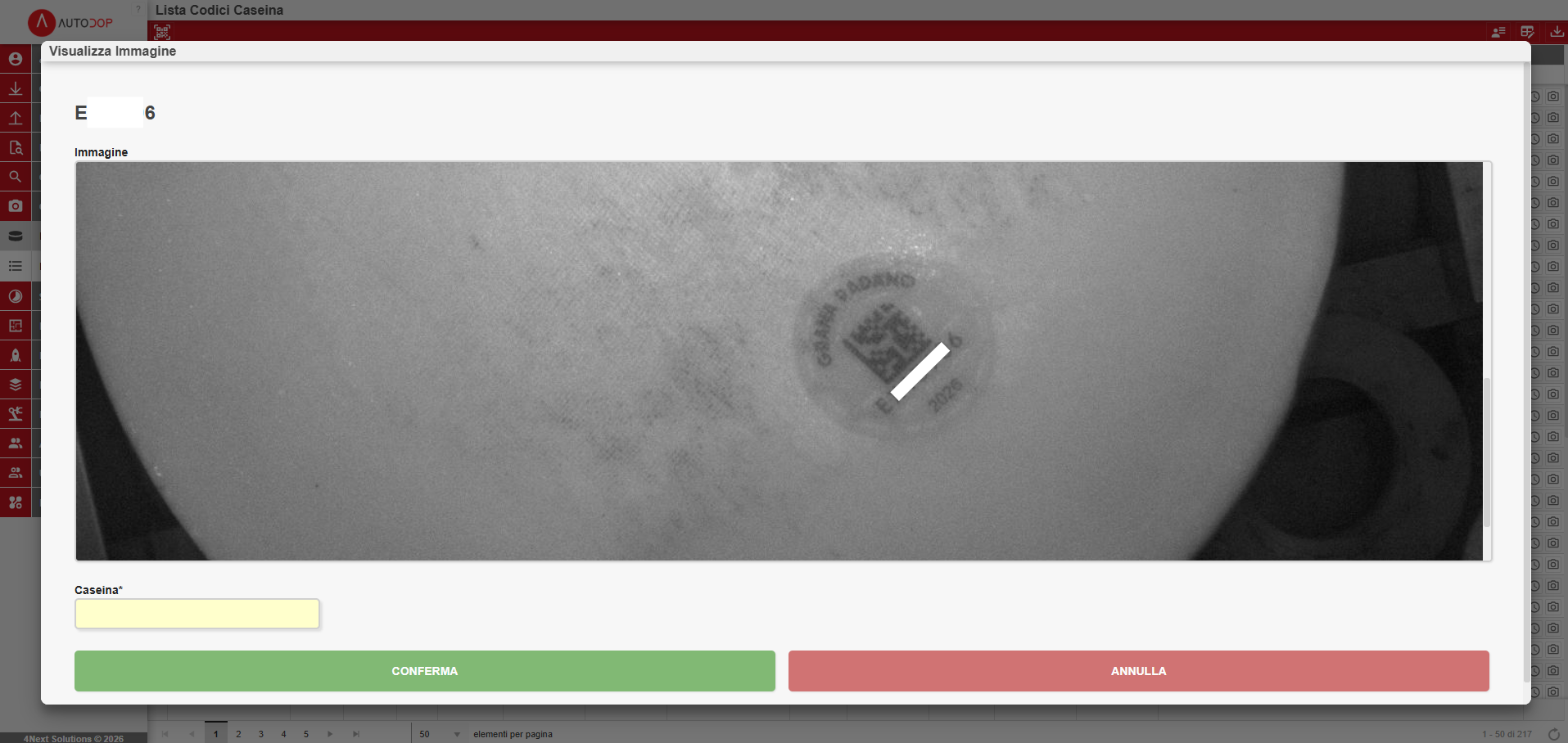
From a PC, the user selects an item in the warehouse for quality assessment. Using a tablet-based procedure, the operator selects the wheels and assign the corresponding quality characteristics to them.
The warehouse map page displays all the data for an aging position:coordinates, operational status (available, occupied, disabled), different colors depending on the product stored to identify split columns, and an indication of the position’s contents
The WMS manages the individual positions on the shelves, and as a result, each wheel will be handled as a single unit load. For each wheel, it will therefore be possible to record the date of entry into the warehouse, the last date and time of brushing/turning, tapping, marking, etc.
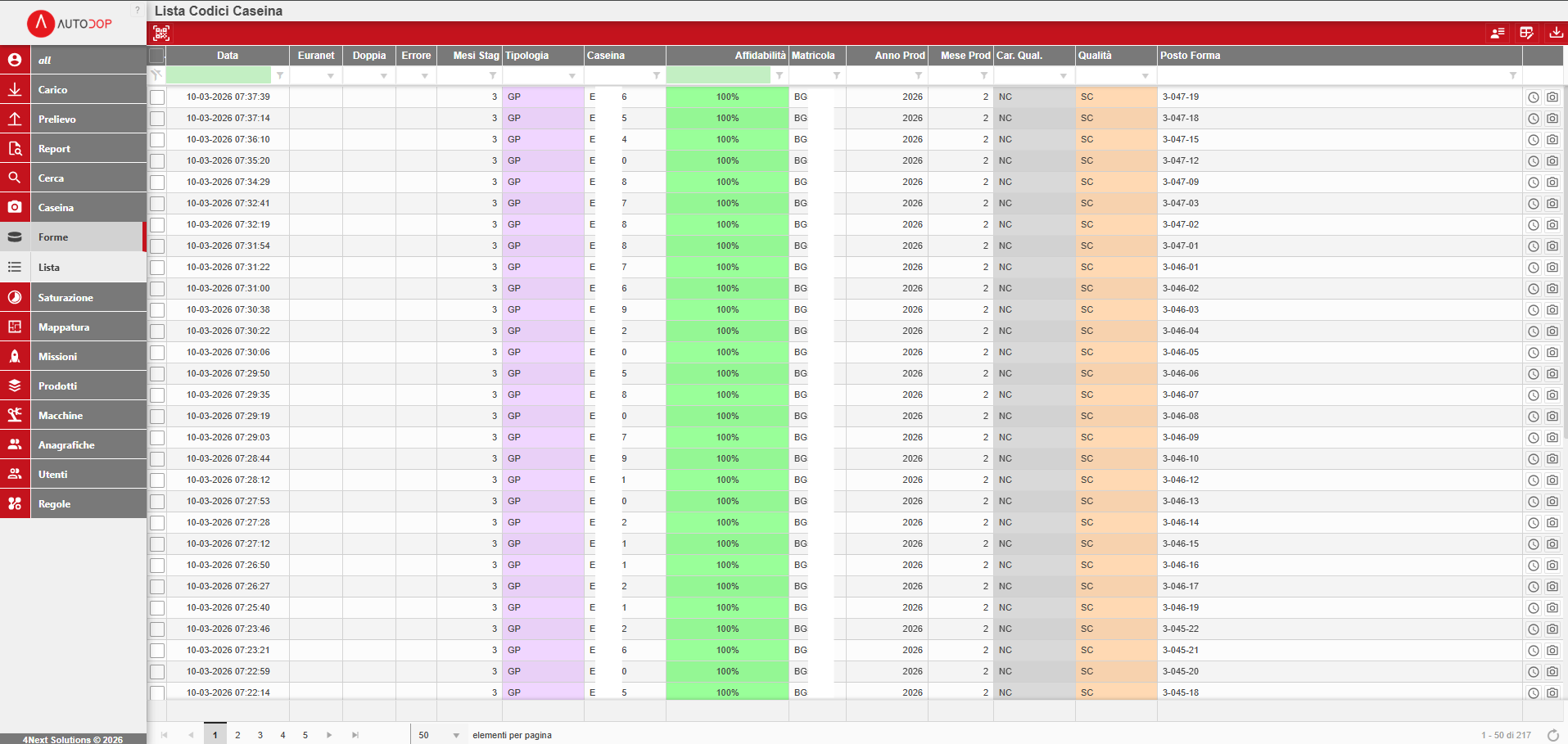
4Ware provides the following logs: ULD log, UPD log, Inventory log. Filters can be applied to all displayed fields in these logs, and data can be exported to Excel and PDF.
Tramite un’apposita schermata l’utente potrà selezionare manualmente dove vorrà posizionare le forme e il WMS creerà le giacenze in quelle posizioni.
Usando due funzionalità ad-hoc del WMS (Raggi-X Carico e Raggi-X Scarico) sarà possibile indicare un quantitativo di forme in ingresso e creare in uscita una giacenza per lo stesso prodotto ma con qualità (scelto, sottoscelto ecc…) differente.
Attivando questa gestione, il WMS sarà in grado di gestire i singoli pallet movimentati nel magazzino: in ingresso, in uscita e nelle procedure interne. Con questa gestione, tutto, all’interno del magazzino sarà tracciabile ed identificabile in ogni momento.
Tramite una tabella di configurazione sarà possibile indicare per ogni range di stagionatura le tempistiche di spazzolatura e/o rivoltatura. In questo modo il WMS potrà allertare il magazzino dell’imminente necessità di spazzolare/rivoltare un quantitativo di forme presenti in magazzino.
Il WMS è in grado di collegarsi con qualsiasi ERP per la ricezione di anagrafiche, ordini, giacenze e ritornare le informazioni della merce presente in magazzino. Le modalità di interfacciamento verranno caso per caso analizzate per individuare la migliore possibile.
ttivando questa gestione il WMS sarà in grado di gestire la segnalazione degli allarmi da parte delle macchine. Tutti gli allarmi verranno registrati a sistema e saranno consultabili tramite un’apposita schermata dove sarà ben visibile, per ogni macchina, la data/ora di inizio allarme e la data/ora di fine allarme. Sarà inoltre possibile inviare messaggi agli operatori se il magazzino non è presidiato.